Join
Join
 Shorts

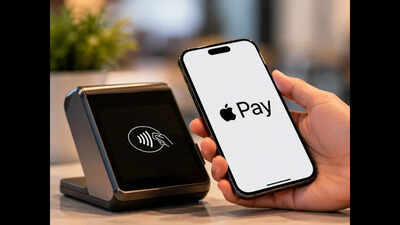
Apple has officially launched Apple Pay in India, bringing its contactless payment service to one of the world’s largest digital payments markets. The service is now available on iPhone, iPad and Apple Watch, while support for Mac is expected to arrive soon. The launch marks Apple’s entry into India’s card-based contactless payments space after years of operating without Apple Pay in the country.
At launch, however, Apple Pay has limited banking support. Customers with eligible Axis Bank-issued Visa and Mastercard credit cards can add their cards to Apple Wallet and use them for contactless payments. Cards running on India’s domestic RuPay network are not currently supported, while Apple is expected to expand compatibility with more banks over time.
What is Apple Pay?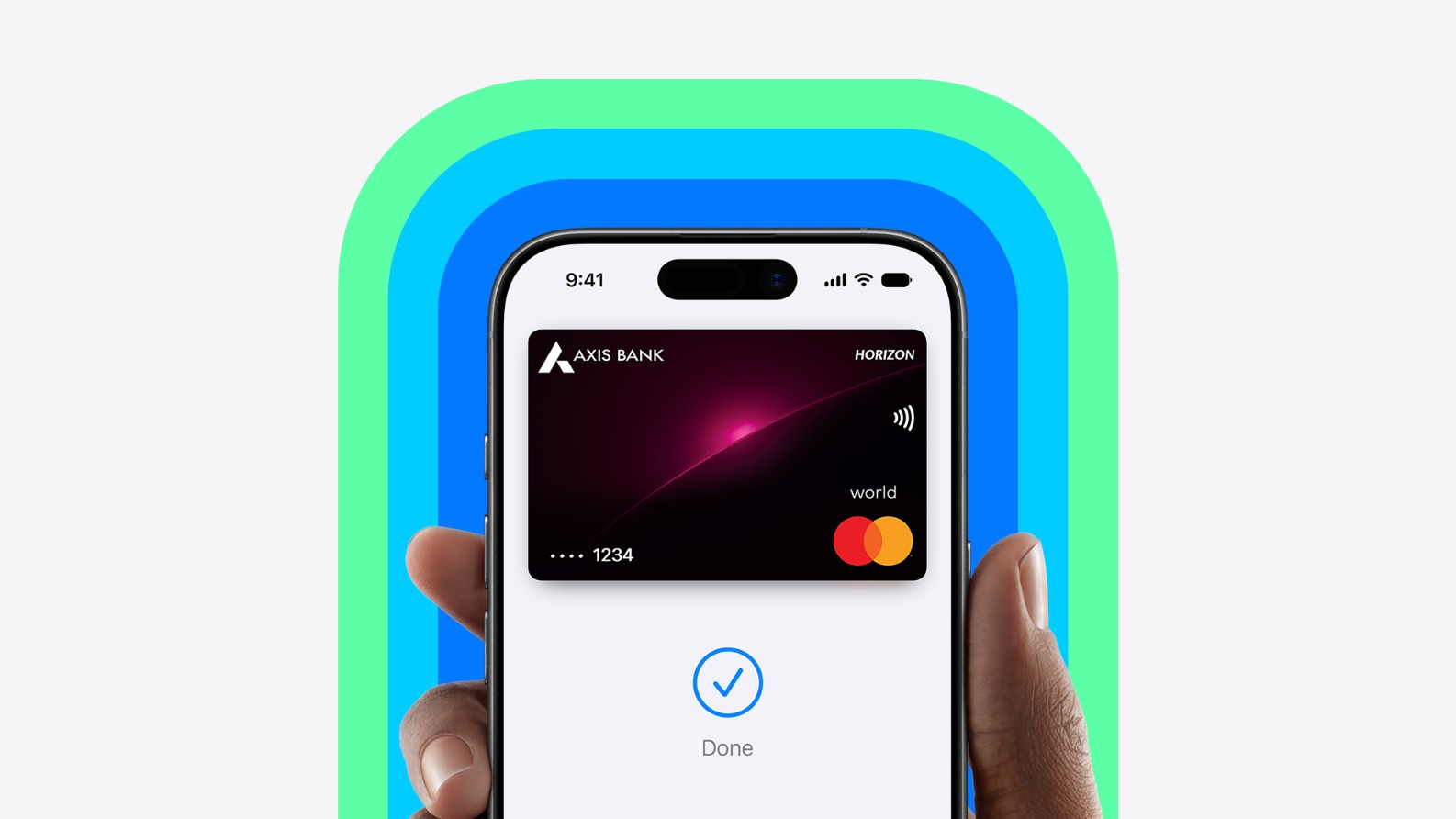
Apple Pay is Apple’s digital wallet and contactless payment service. Instead of physically handing over a card or entering card details at checkout, users can store an eligible payment card in Apple Wallet and authenticate transactions using Face ID, Touch ID or their device passcode.
Apple says the service can be used in stores, apps and on the web. Transactions use security features designed to prevent merchants from receiving the user’s actual card number.
The Indian launch is particularly significant because the country’s digital payments market is dominated by UPI. Reuters reported that UPI accounted for about 84% of digital payments by volume, making Apple’s initial card-focused approach different from the QR-based payments most Indian consumers use every day.
Which cards are supported?with Apple Pay
For the initial rollout, Apple Pay works with eligible Axis Bank Visa and Mastercard credit cards. Users with cards from other banks may not be able to add them to Apple Pay immediately.
Apple has been discussing partnerships with additional Indian banks, including HDFC Bank and ICICI Bank, but wider support has not yet been announced as part of the initial launch.
Another important point is that UPI is not part of the initial Apple Pay rollout. This means Apple Pay should not currently be viewed as a replacement for apps such as Google Pay, PhonePe or other UPI services. It is primarily a way to make payments using supported cards.
How to set up Apple Pay on an iPhone
Setting up Apple Pay is relatively straightforward if you have an eligible card.
First, make sure your iPhone is running compatible software and that you are signed in with your Apple Account. Then open the Wallet app and tap the “+” button to add a new card.
You can then follow the instructions displayed on the screen to add your eligible Axis Bank credit card. Depending on the card and bank verification process, additional authentication may be required before the card becomes active.
Apple’s general setup instructions say users can add a credit or debit card directly through the Wallet app.
Once the card is verified, it becomes available for Apple Pay transactions. Users can also add eligible cards to their Apple Watch through the Watch app.
How to pay in stores
At a compatible contactless payment terminal, iPhone users can activate Apple Pay and authenticate the transaction with Face ID, Touch ID or their passcode.
On compatible iPhones, users can generally double-click the side button, select the desired card if necessary, authenticate and hold the top of the iPhone near the contactless reader.
The payment terminal must support contactless payments and accept the particular card network associated with the card. Apple notes that merchants must support both Apple Pay and the relevant payment card or network.
Apple Watch users can similarly use their stored card at supported contactless terminals without needing to take their iPhone out.
Where can Apple Pay be used?
Apple Pay can be used at participating contactless payment terminals in physical stores, as well as in supported apps and websites that display Apple Pay as a payment option.
Apple says its payment service is accepted at millions of websites and apps globally. In India, actual availability will depend on whether the merchant supports contactless card payments and the relevant card network.
This means consumers should look for the contactless payment symbol or Apple Pay option at checkout rather than assuming every merchant will accept it.
How secure is Apple Pay?
Security and privacy are central to Apple’s payment system. According to Apple, the actual card number is not shared with merchants when an Apple Pay transaction is made. Instead, transactions use a device-specific account number and a unique security code.
Payments also require authentication through Face ID, Touch ID or the device passcode, adding another layer of protection.
Read more like this:
- Save Democracy March’ का ऐलान: SIR विवाद के बीच INDIA ब्लॉक ने दिखाई एकजुटता, 2 से 8 अक्टूबर तक देशव्यापी प्रदर्शन
- ‘Wake Up’: Iran Releases 25-Page Letter Urging US Voters to Reject Trump Ahead of Midterms
What does the India launch mean?
Apple Pay’s arrival gives Indian consumers another option for card-based contactless payments. However, its initial reach is limited because only eligible Axis Bank Visa and Mastercard credit cards are supported.
The bigger question will be how quickly Apple expands bank and card compatibility and whether the service eventually integrates more deeply with India’s UPI ecosystem.
For now, Apple Pay’s India debut is a focused launch rather than a complete alternative to the country’s existing digital payment infrastructure. Users with supported Axis Bank cards can start using Apple Pay today on compatible Apple devices, while customers with other cards will have to wait for additional banks to join the platform.