Join
Join
 Shorts

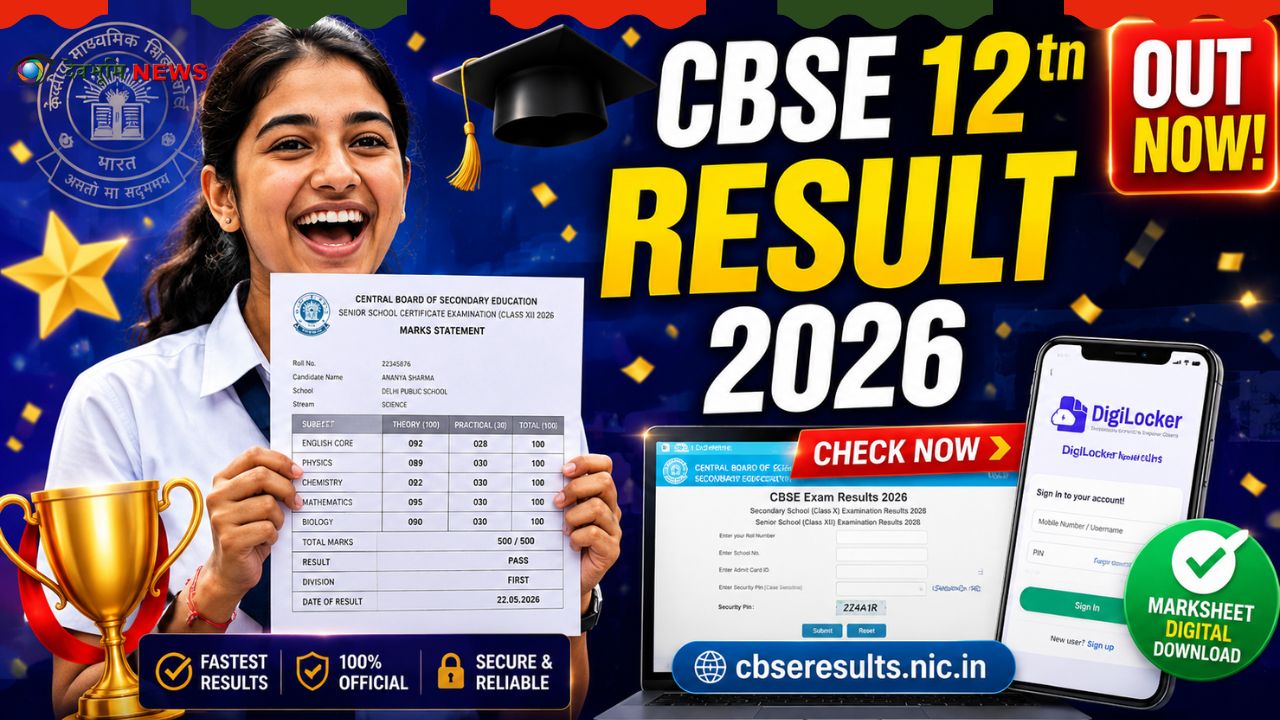
CBSE Class 12 Result 2026 was able to successfully conduct the examinations for the Class 12 board between 17 February and 10 April 2026, in 7,574 centres. Students across India are waiting eagerly for the announcement of their scores. It is expected that the CBSE Class 12 Result 2026 is scheduled to be announced at the end of May, in the third week, on the website of the board.
This article provides every way for a student to examine their results offline, online through an app, or through SMS.
Important Details at a Glance
| Detail | Information |
|---|---|
| Board | CBSE |
| Class | 12th (All Streams) |
| Exam Dates | 17 Feb – 9 Apr 2026 |
| Expected Result | 3rd Week of May 2026 |
| Result Type | Provisional (Online) |
| Passing Marks | 33% of subjects |
Method 1—Check Result on Official Websites
It is the quickest method to verify your results. When the results are official the results will be posted at the official sites: cbse.gov.in, cbse.nic.in, results.cbse.nic.in, and cbseresults.nic.in.
Steps to Check the Result Online
Check out these guidelines on the official CBSE site:
- Visit the official CBSE site
- Go to the CBSE 12th result link
- Select ‘Class XII Result.’
- Log in with your roll number or school number, your day of birth and your admission card ID
- It will be displayed on the CBSE Class 12 Result 2026 marksheet.
- Download the marksheet for later use
Tips: On the result day, official websites may experience slowdowns due to the heavy traffic. Make sure that you have alternative strategies ready.
Method 2—Check Result via DigiLocker
DigiLocker is a digital document platform. It is among the most secure ways to access your document.
Steps to Check via DigiLocker
Take these actions:
- Visit cbse.digilocker.gov.in or use the DigiLocker App
- Utilise the number that has been associated with CBSE for an OTP
- Input the six-digit security pin that your school has provided to activate your account. login
- After logging in, go through your “Issued Documents” section to find your scorecard and certificate.
- Click on the CBSE Class 12 scorecard download link
- Download and save the entire Class 12 test results for future use.
Notice: The digital marksheet on DigiLocker is legal and valid for college admissions as well as other reasons.
Method 3—Check Result via UMANG App
The UMANG (Unified mobile application for new-age governance) app is a second government-owned platform that lets you access your results.
Steps to Check via UMANG App
Follow these steps in the UMANG application:
- Visit the UMANG website at umang.gov.in
- This CBSE Class 12 result link will be displayed on the screen
- Click on the link to reveal the results, and the login webpage will be displayed
- Fill in all your information: six-digit roll number, class number, and the mother’s name and submit
- Marksheets for the CBSE Class 12 will be displayed
- Find the marks before downloading the PDF
- Print the page to use as a reference.
Method 4—Check Result via SMS (No Internet Needed)
This is ideal for students who do not have access to the internet on result day.
Steps to Check via SMS
Be sure to follow these steps:
- Visit your phone’s messaging application.
- Format: CBSE12 (Roll Number) (School Number) (Center Number) in the exact format.
- Be sure to review your roll number as well as the centre number
- Send your message to the phone number given by CBSE (check the result on the day of the test)
CBSE also gives results by SMS: enter CBSE12 and then your roll number, and send the message to the number 7738299899 on the day of the result.
Method 5—Check Result via IVRS (Phone Call, No Internet)
IVRS (Interactive Voice Response System) lets you check your result after calling.
Steps to Check via IVRS
Call the National Informatics Centre number 24300699 (with your zone code) to obtain your score via the Interactive Voice Response System. For students who live outside Delhi, call 011-24300699. Follow the voice-controlled instructions and input your roll number when asked.
Read Also:GSEB SSC Result 2026 Declared: 83.86% Students Pass — Highlights, Statistics, How to Check Marksheet
What Details Will You Need to Check Your Result?
CBSE Class 12 Result 2026. Search. Be sure to have these documents and other information in hand before making your decision:
- The Roll No. (from an Admit Card)
- School Number / School Code
- Centre Number
- Date of Birth
- Admit Card ID
- Mother’s Name (for UMANG App)
- Registered Mobile Number (for DigiLocker OTP)
What Information Will Your Marksheet Show?
This CBSE Class 12 Result 2026 marksheet will contain the name of the student, their roll number, birth date, marks earned across all subjects, and other pertinent information. The scorecard’s digital version will include your name, marks for each subject (theory and practice), as well as total marks and a pass/fail score.
Passing Criteria — Minimum Marks Required
To be able to pass Class 12 boards, students require a minimum percentage in each subject. Both practical and theoretical or internal assessments are counted as one. Specific minimums for each subject apply to practicals and theory separately, according to the CBSE’s marking system.
Compartment Exam — What If You Don’t Pass?
Students who fail one of the subjects can be declared a “compartment.” The compartment test is conducted in July. Passing the exam means that the student is able to pass the exam without having to repeat the whole exam.
Is the Online Result Final?
No. The digital scorecard is only a temporary version; students will have to get the original score sheet at their schools. The majority of colleges will accept the downloaded version as temporary admission—make sure to save it until the actual one arrives.
Read Also: Maharashtra SSC Class 10 Result 2026 DECLARED — Direct Link, Marksheet Download & Pass Percentage
Quick Summary—All Ways to Check CBSE 12th Result 2026
| Method | Platform | Internet Required |
|---|---|---|
| Official Website | cbseresults. nic.in / cbse.gov.in | Yes |
| DigiLocker | digilocker.gov.in / App | Yes |
| UMANG App | umang.gov.in App | Yes |
| SMS | Send to 7738299899 | No |
| IVRS (Phone Call) | Dial 011-24300699 | No |
Stay Updated
CBSE Class 12 Result 2026: Visit the official site cbseresults.nic.in and keep watching for announcements. Check that you have your DigiLocker account active before the deadline to avoid any last-minute delays. All the best, everyone!